01 / MEASURE✳
Tests with evidence.
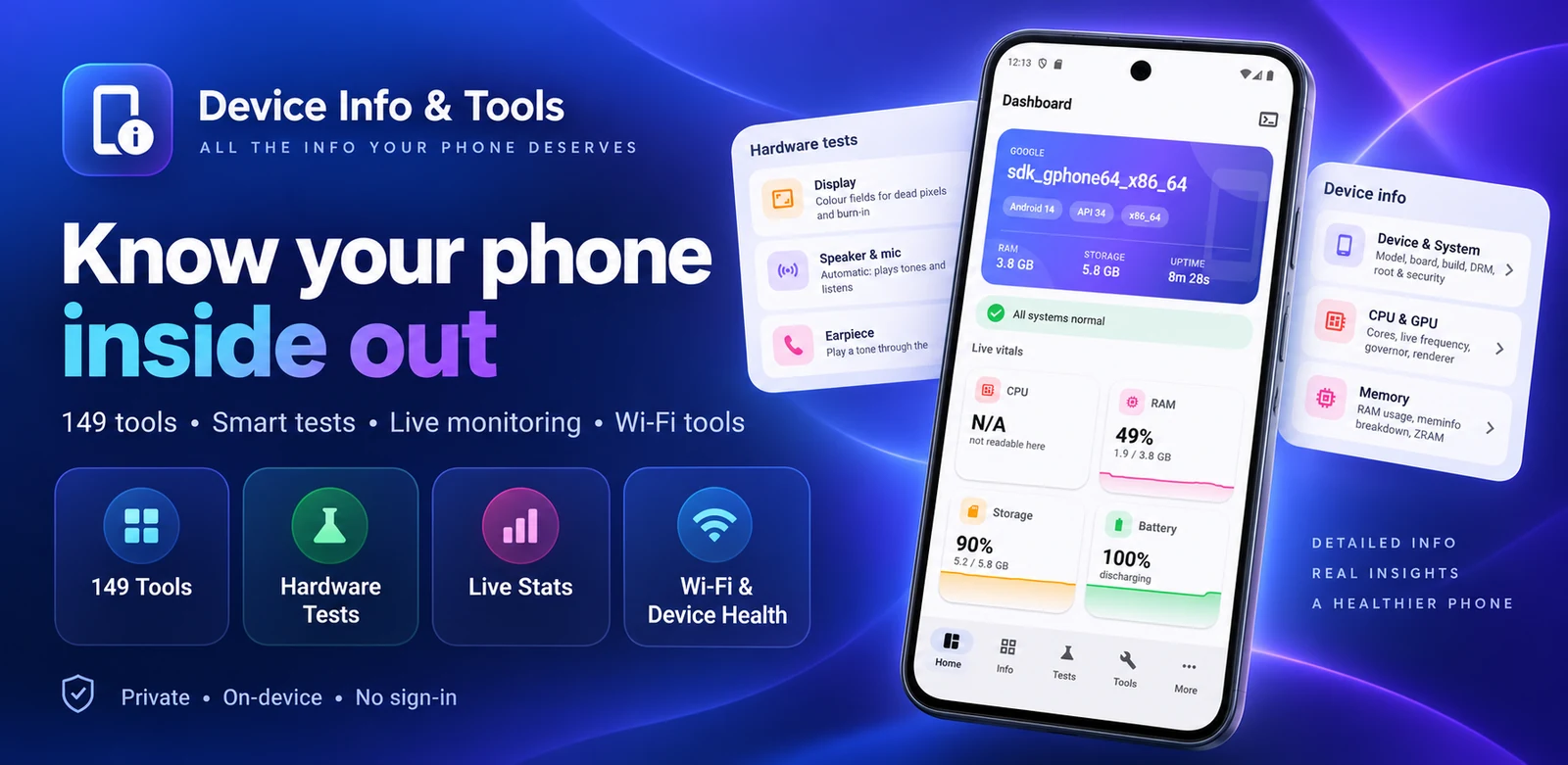
Play tones and listen for them through the speaker and microphone; score live rear and front camera frames for focus, exposure and detail. Sweep motion across three axes, verify written storage data, measure charging current, and count GPS satellites and time to first fix.
02 / CHECK◇
A checkup you can share.
Run 16 guided checks in one pass, with supported display, touch, multi-touch, audio, sensor, flashlight, vibration, fingerprint and Bluetooth checks. A one-page PDF certificate gives an overall grade, every verdict, device model and Android version — plus clear limits. It never includes IMEI or serial number.
03 / UNDERSTAND⊞
18 screens of detail.
Explore Device & System, CPU & GPU, Memory, Storage, Battery, Thermal, Display, Camera, Sensors, Connectivity, Wi-Fi Analyser, Bluetooth, Network, Internet Speed Test, Apps, App Analyzer, Permissions and Developer — organized to make sense.
04 / MONITOR∿
Watch it live.
Follow CPU, RAM, storage, battery and temperature on the dashboard. Keep readings visible with a floating monitor or five home screen widgets; inspect per-core CPU frequencies, thermal history and live network throughput.
05 / EXPLORE⌘
149 tools. Your way.
Find every available reading as a searchable tool in 17 categories. Prefer a keyboard? Type a command in Terminal mode to run a tool directly.
06 / CONNECT⌁
Know your network.
See Wi-Fi channel, security, signal strength, standard and estimated distance. Run an internet speed test, watch live throughput, and inspect full connectivity details.
07 / HEALTH◎
An honest health check.
Scan storage pressure, memory, battery and temperature with plain-language findings. See what uses space and clear the app's own cache — without pretending that clearing RAM can override Android's memory management.
08 / EXPORT↗
Keep the record.
Save a complete device report as text or PDF and share it when you choose. Material You colours follow your wallpaper on Android 12 and newer, with light and dark themes.
09 / PRIVACY◌
Your readings stay yours.
Tests run on your phone. Results, reports and certificates stay locally stored unless you share them. No account or sign-in is required. An internet speed test necessarily contacts a test server.
10 / PERMISSIONS✓
Only when needed.
Camera and microphone serve hardware tests without saving photos or recordings. Android requires location access to list Wi-Fi networks and run the GPS test; nearby-device access enables Bluetooth scanning and details. Optional device-tip notifications are off until you allow them, with at most one a day.